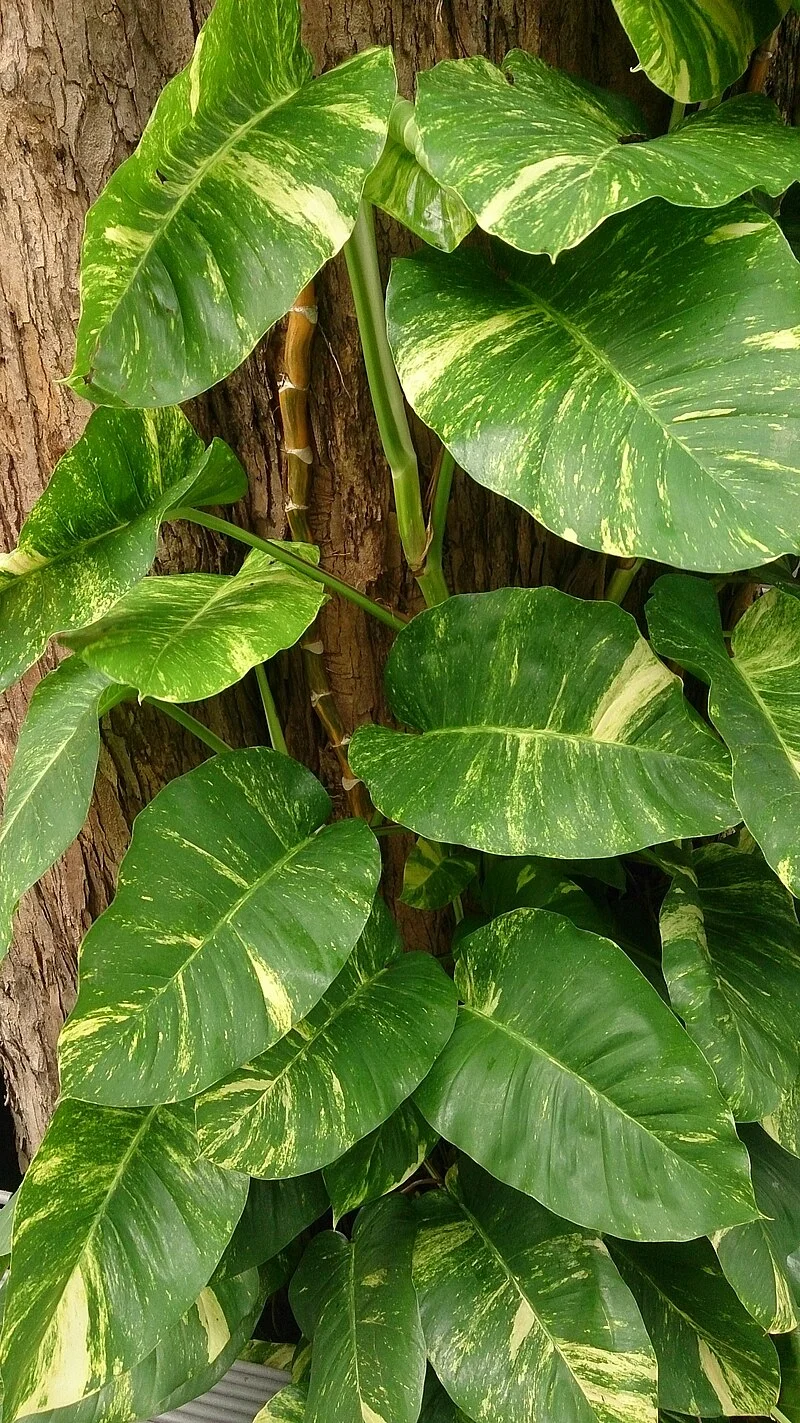
Plant identification
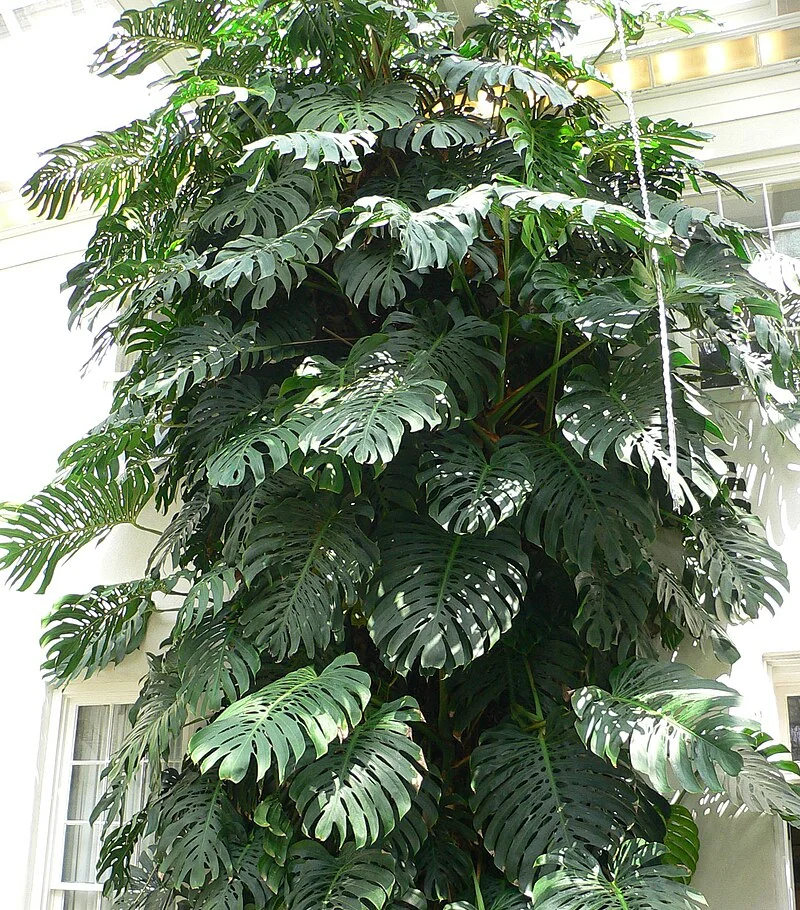
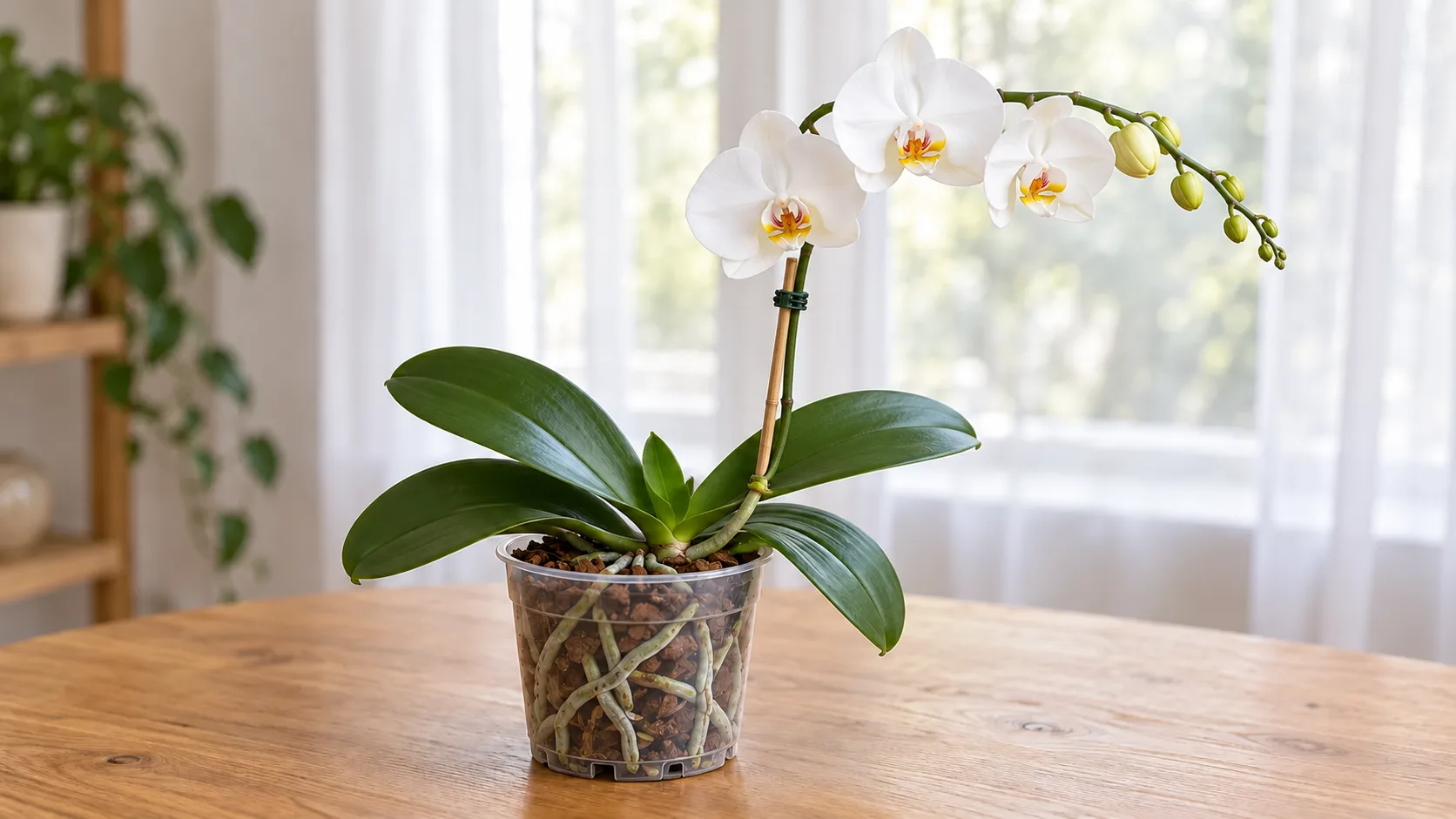
One photo, more than 400,000 species, a result in under 5 seconds with its confidence score and alternatives.
Features
Identify a plant, look after it, organize your garden, and make progress at your own pace: every feature has its own page, with a phone you can try.
4.8 on the app stores50,000+ gardeners
One photo, more than 400,000 species, a result in under 5 seconds with its confidence score and alternatives.
A profile for every species: care, habitat, uses, taxonomy, and toxicity for dogs, cats and horses.
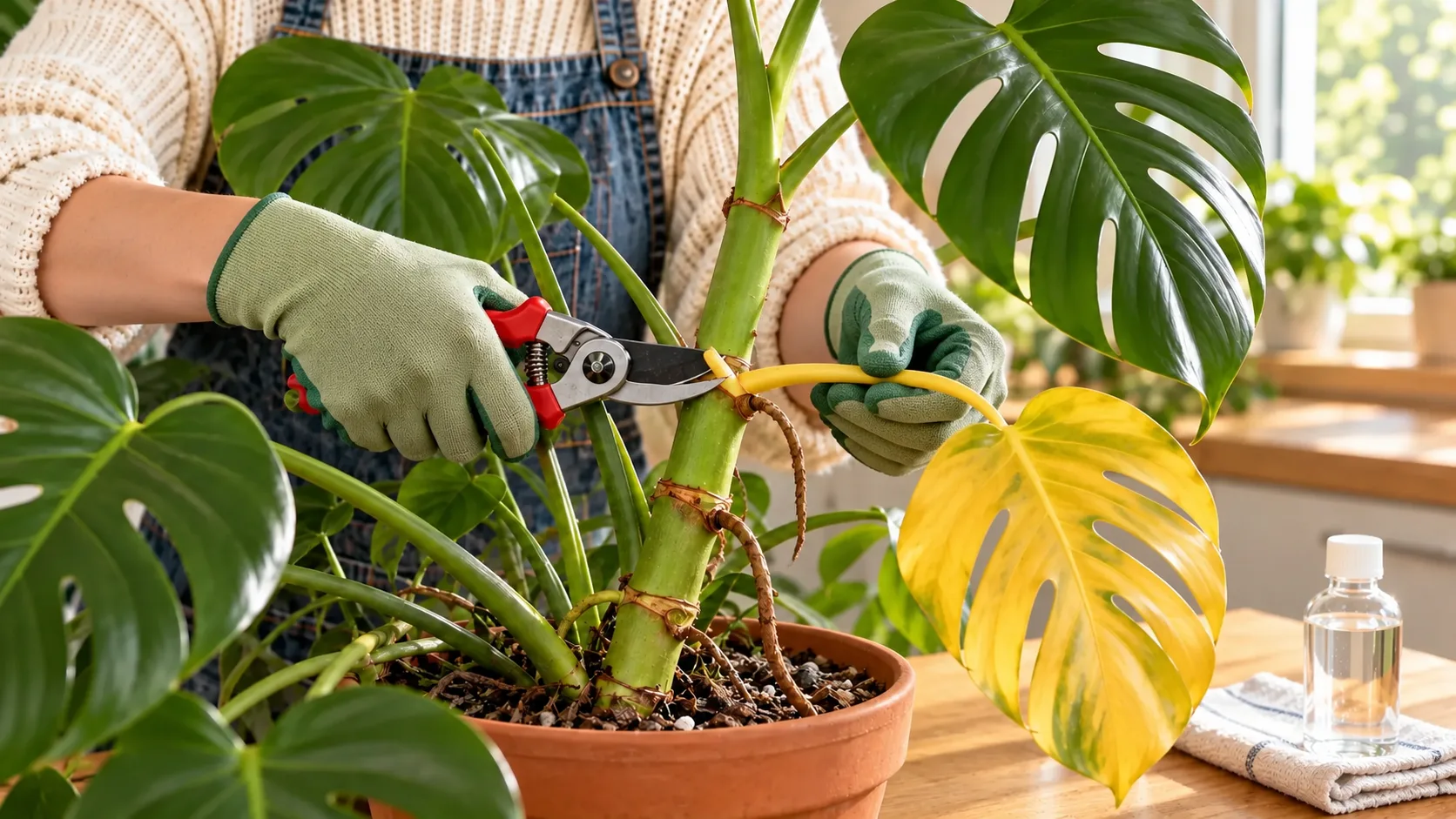
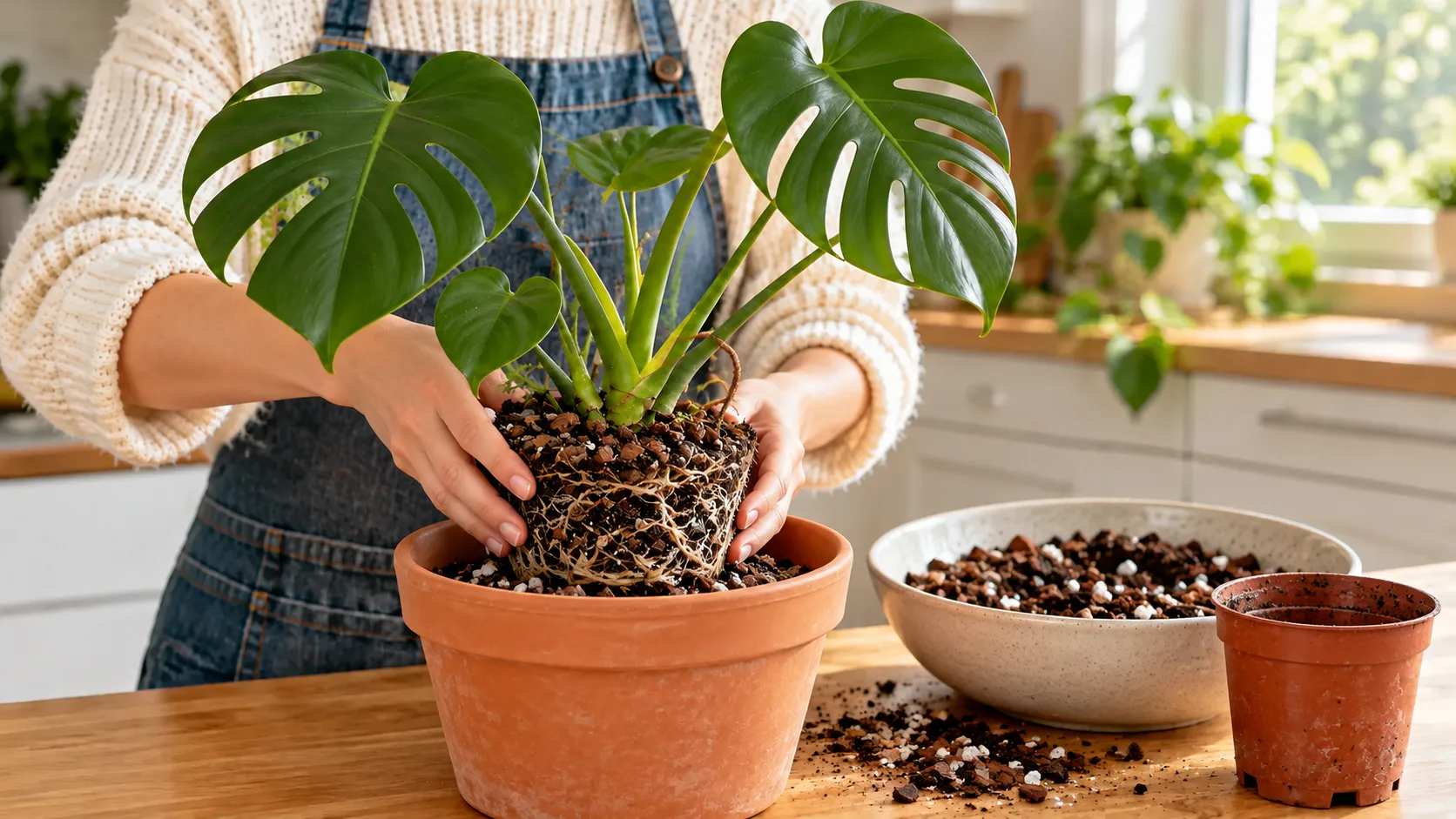
Three photos and a few questions, then a likely cause, treatment plans ranked by priority, and a check-in seven days later.
The botanist who knows your garden by heart. Ask a question, and the answer takes your plants into account.
Post your plants, ask other gardeners a question and follow the ones who inspire you.
Rooms, a page for every plant, growth photos, and each plant's journey.
One plan per plant, notifications at the time you pick, and frequencies that follow the seasons.
65 badges in 6 families, 8 series of 6 tiers and 17 one-time badges, earned through what you do.
Identify it, give it a room, and let its care plan remind you. The free version is enough.
See My gardenSort your plants by room, filter today's care, and check tasks off as the day goes.
See care remindersCheck toxicity before you buy, and ask Flora which plant suits a dim room with a cat.
See the encyclopediaYes. The free version includes 4 identifications, 1 plant in your garden and 3 messages to Flora per day. Floralens Pro lifts those limits and adds full care programs and diagnosis from a photo.
No. Guest mode is enough. An account lets you get your garden back on a new phone and join the community.
Flora answers your written questions and knows your garden. Dr. Flora looks at photos of a struggling plant and suggests a treatment plan, with a check-in seven days later.
iPhone and Android.
Identification, Flora and Dr. Flora need a connection. Your plants' profiles, reminders and journals stay available offline.
In the app: Settings, then Send feedback, then Request a feature. You can also write to us from the Contact page.
Download the app, take a photo of a plant, and everything else falls into place around it.