















01
Identify it
A photo, or a search by name if you already know it.

My garden
The profile says what a monstera needs. My garden says what yours needs, in your living room, a few steps from the window, since the day you brought it home.
4.8 on the app stores50,000+ gardeners
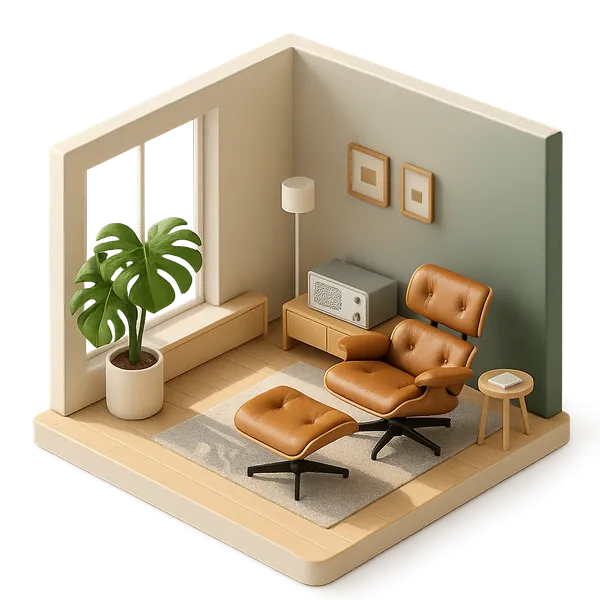
Your rooms, a plant page that speaks in the first person, then the story of its care. Switch tabs to move between them.
Each room groups its plants and their care.
How it's doing in one line: "I'm thirsty," "I'm doing well."
Identified, welcomed into the garden, photographed week after week.
Try it right here: switch tabs
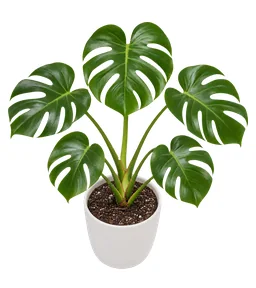 92%MonsteraMonstera deliciosaIdentified 7 hours agoIn my garden
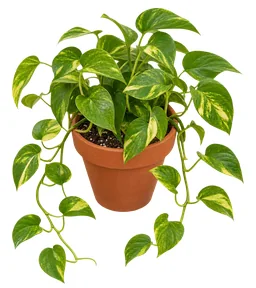 95%PothosEpipremnum aureumIdentified 7 hours agoIn my garden
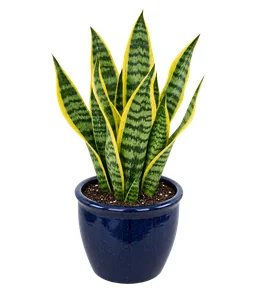 97%Snake plantDracaena trifasciataIdentified 8 hours agoIn my garden
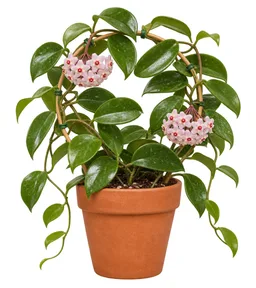 98%Wax plantHoya carnosaIdentified 8 hours agoIn my garden
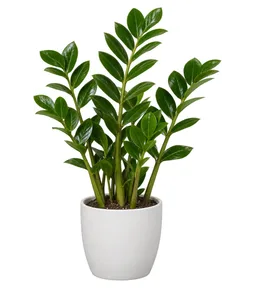 96%ZZ plantZamioculcas zamiifoliaIdentified 9 hours agoIn my garden
01
A photo, or a search by name if you already know it.
02
"Kitchen basil," "Bedroom snake plant": a name that sets it apart from the others.
03
Pot, soil, distance to the window: every detail fine-tunes its care.
The plant's page speaks in the first person. It tells you whether it's thirsty and how much water to give, whether the light suits it, or whether it needs to move closer to the window.
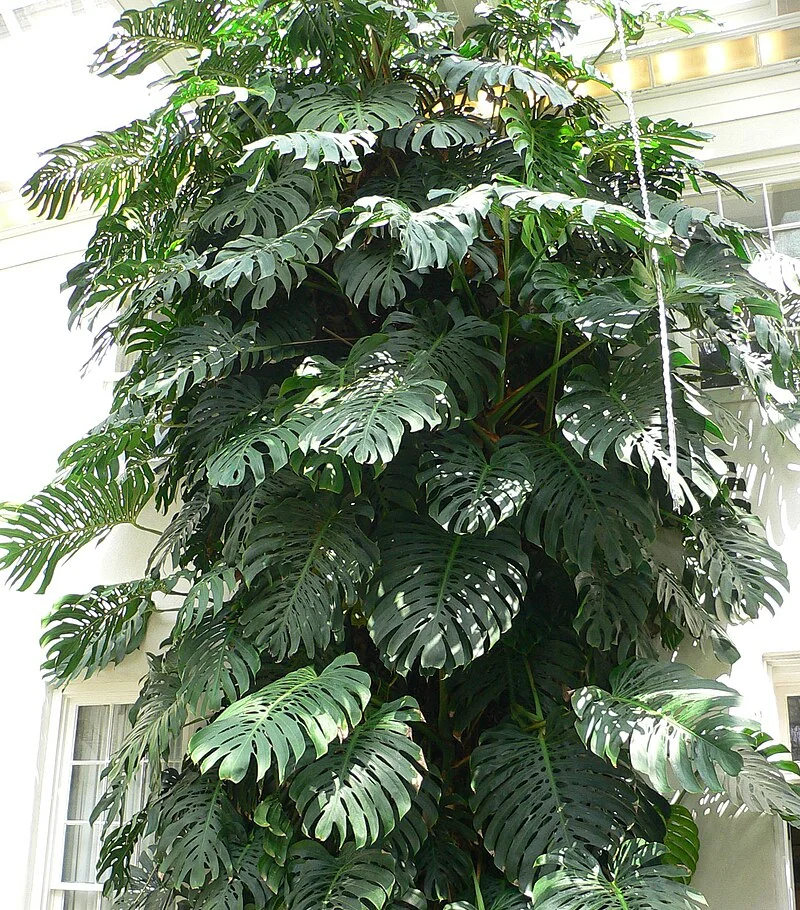
I'm thirstyThe top might be dry. Water me 250 mL.
Monstera deliciosa
Growing Season
Feed me every 4 weeks during the growing season (7 times per season). Remind me.
Recommended fertilizer: NPK 20-20-20
Same angle, same position: the camera helps you frame the plant the way you did last time, so the difference shows. Each photo gets a tag, and a note if you like.
I'm doing wellLeaves are perky, light feels steady.
Monstera deliciosa
Growing Season
Feed me every 4 weeks during the growing season (7 times per season). Remind me.
Recommended fertilizer: NPK 20-20-20
Living room, kitchen, balcony, greenhouse, windowsill, or a room with any name you like: your garden is organized the way your home is.
92%MonsteraMonstera deliciosaIdentified 7 hours agoIn my garden95%PothosEpipremnum aureumIdentified 7 hours agoIn my garden97%Snake plantDracaena trifasciataIdentified 8 hours agoIn my garden98%Wax plantHoya carnosaIdentified 8 hours agoIn my garden96%ZZ plantZamioculcas zamiifoliaIdentified 9 hours agoIn my gardenThe free version looks after 1 plant. Floralens Pro opens up an unlimited garden.
Your garden is visible only to you. If you join the community, you choose plant by plant what shows: the photo, the name and the species, nothing else.
In guest mode, your garden lives on this phone. An account lets you get it back after reinstalling or switching devices.
1 plant with the free version, unlimited with Floralens Pro.
Yes. Pick a room type from the list or give it any name you like.
The room and the plants in it are deleted. The app tells you how many plants are affected before you confirm.
It says what changed: new growth, a new bloom, a new pot, yellowing. Looking back through the log, you can see when each thing happened.
You can keep them as a memory instead of deleting them. Their journal and photos are kept, and a plant can return to the garden if it bounces back.
No, unless you decide otherwise. In the community, you check which plants appear on your public profile, and only their photo, name and species are shown.
Yes, with an account. In guest mode, your garden stays tied to the device.
Yes. The app lets you know the species is already in your garden, then you add the second plant with its own name and room.
Pick it, add a plant, and its page starts filling up.
One photo, more than 400,000 species, a result in under 5 seconds with its confidence score and alternatives.
See plant identificationOne plan per plant, notifications at the time you pick, and frequencies that follow the seasons.
See care remindersThe botanist who knows your garden by heart. Ask a question, and the answer takes your plants into account.
See FloraThree photos and a few questions, then a likely cause, treatment plans ranked by priority, and a check-in seven days later.
See Dr. FloraPost your plants, ask other gardeners a question and follow the ones who inspire you.
See the community65 badges in 6 families, 8 series of 6 tiers and 17 one-time badges, earned through what you do.
See badgesA profile for every species: care, habitat, uses, taxonomy, and toxicity for dogs, cats and horses.
See the encyclopedia