










 Margaux V.@margaux.verte
1d

Community
Share how your plants grow and your best photos. A question, a doubt? Ask gardeners who have been through the same thing.
4.8 on the app stores50,000+ gardeners
Plants, advice and experiences to share.
Margaux V.@margaux.verte1d
 Théo et ses plantes@theo_jungle
2d
 Inès@ines.balcon
3d
What other gardeners post, one post in detail, then your public profile. Switch tabs to move between them, just like in the app.
Two feeds: posts picked for you, then posts from the profiles you follow.
A plant, a few lines, and the gardeners who like it or reply.
The plants you choose to show, nothing more.
Try it right here: switch tabs
Plants, advice and experiences to share.
Margaux V.@margaux.verte1d
Théo et ses plantes@theo_jungle2d
Inès@ines.balcon3d
01
A permanent @handle, so people can always find you.
02
A plant photo with a caption, or a question for the community.
03
Follow the gardeners who inspire you and help those who ask.
The first gathers the posts that match your interests. The second brings together posts from the profiles you follow, sorted by date or popularity.
Plants, advice and experiences to share.
Margaux V.@margaux.verte1d
Théo et ses plantes@theo_jungle2d
Inès@ines.balcon3d
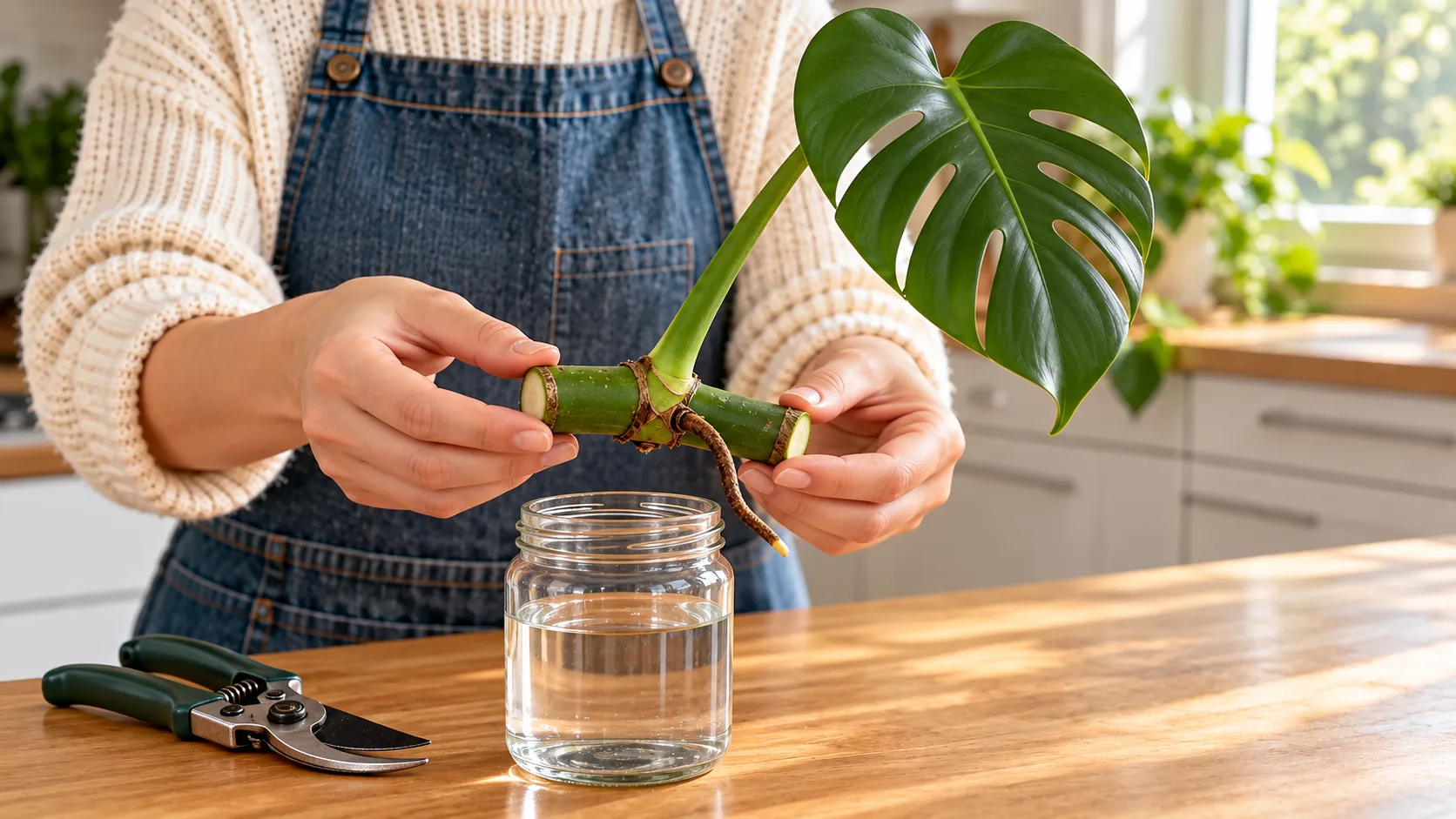
A yellowing leaf, a cutting that won't root: post a photo and a few lines, and other gardeners reply from experience. Posts in another language translate with a tap.
Margaux V.@margaux.verte1d
Inès@ines.balcon3d
Your profile shows the plants you choose: their photo, name and species. Never where you live. Take a plant off your profile whenever you want.
Kindness, plant-related posts, no hidden selling: the guidelines apply to everyone.
A post or profile that causes trouble can be reported or blocked in two taps.
A post can't be edited once it's live, but you can delete yours at any time.
Yes. Posting, following gardeners and replying need no subscription.
No. Nothing is public by default. You choose each plant shown on your profile and can take it off whenever you want.
No. Your profile shows the photo, name and species of the plants you choose, never the place.
To post, like or reply, yes: you need a profile with a @handle. You can browse a preview first.
No, a post can't be edited once it's live. You can delete it at any time.
From the post or profile menu: report it or block its author. Moderation reviews every report.
Yes. A post written in another language can be translated, and the original is one tap away.
In the app, and on the Community guidelines page of this site.
Take a photo of the plant you're proudest of and introduce it to the community.
One photo, more than 400,000 species, a result in under 5 seconds with its confidence score and alternatives.
See plant identificationOne plan per plant, notifications at the time you pick, and frequencies that follow the seasons.
See care remindersRooms, a page for every plant, growth photos, and each plant's journey.
See My gardenThe botanist who knows your garden by heart. Ask a question, and the answer takes your plants into account.
See FloraThree photos and a few questions, then a likely cause, treatment plans ranked by priority, and a check-in seven days later.
See Dr. Flora65 badges in 6 families, 8 series of 6 tiers and 17 one-time badges, earned through what you do.
See badgesA profile for every species: care, habitat, uses, taxonomy, and toxicity for dogs, cats and horses.
See the encyclopedia