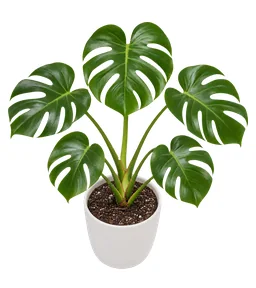














01
Add the plant
From an identification or a search by name, then pick its room.

Care reminders
Floralens builds a plan for each plant based on its species, its pot and its room, then reminds you when the day comes. You check it off, the journal fills in, and the next task lines itself up.
4.8 on the app stores50,000+ gardeners
Paris
Cloudy
57°F
64°F50°F
In 4 days
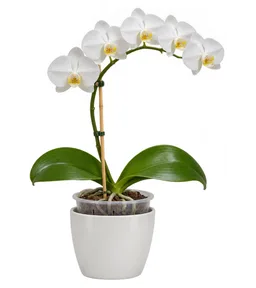 My orchidWatering · every 8 days125 mL
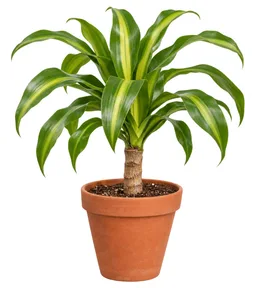 Corn plantWatering · every 10 days200 mL
In 6 days
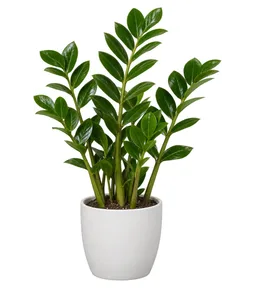 ZZ plantWatering · every 18 days200 mL
In 9 days
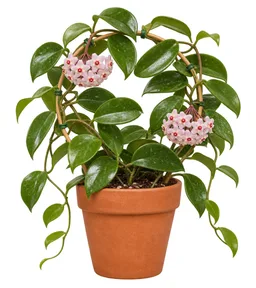 Wax plantWatering · every 10 days115 mL
In 12 days
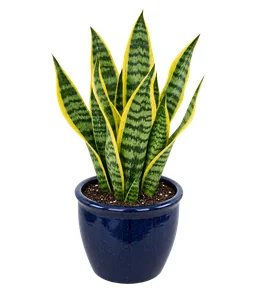 Snake plantWatering · every 21 days200 mL
What's overdue, what's due today, what comes next. Tick a task on the screen, just like in the app.
Missed tasks stay at the top of the list, with how many days late they are.
Water, feed or rotate: one row per plant, one tap to check it off.
The next tasks, with the number of days until each one.
Try it right here: check off a task
Paris
Cloudy
57°F
64°F50°F
In 4 days
My orchidWatering · every 8 days125 mLCorn plantWatering · every 10 days200 mLIn 6 days
ZZ plantWatering · every 18 days200 mLIn 9 days
Wax plantWatering · every 10 days115 mLIn 12 days
Snake plantWatering · every 21 days200 mL01
From an identification or a search by name, then pick its room.
02
Pot size, distance to the window, direct sun: a few answers fine-tune the frequencies.
03
Every task you check off pushes the next one to the right interval.
Every task has its own frequency. Keep the one Floralens suggests, or set it in days, weeks, months or years.
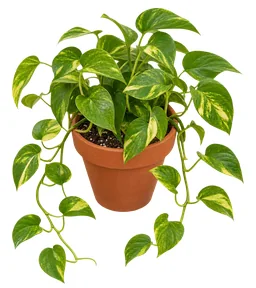
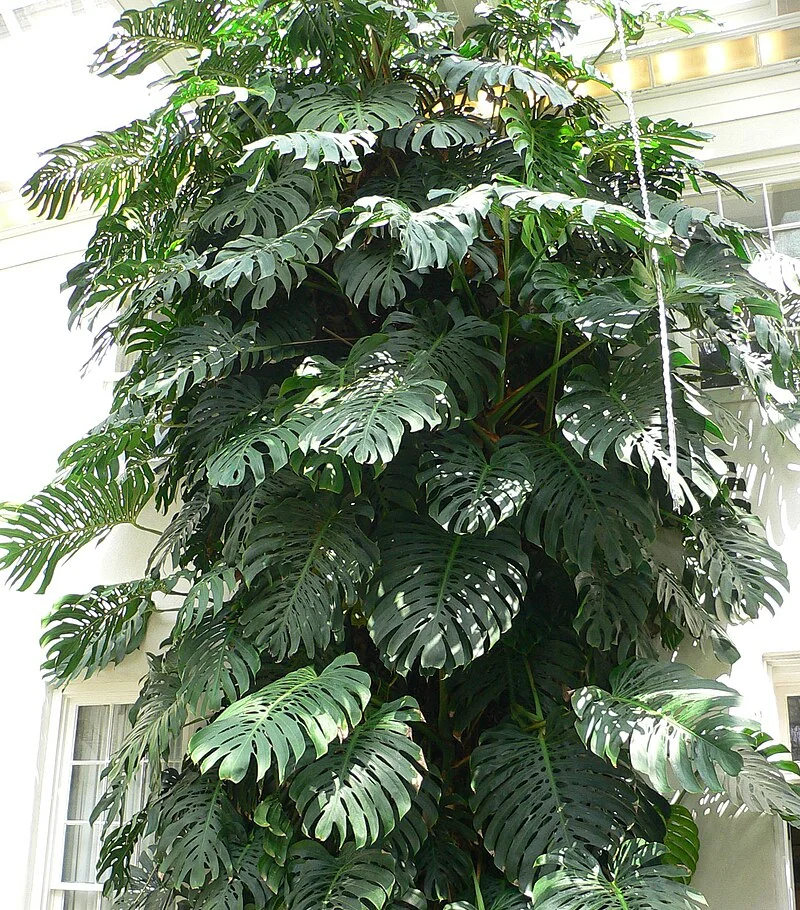
I'm doing wellLeaves are perky, light feels steady.
Monstera deliciosa
Growing Season
Feed me every 4 weeks during the growing season (7 times per season). Remind me.
Recommended fertilizer: NPK 20-20-20
You choose when reminders arrive. Smart Schedule adjusts the frequencies to the seasons: in winter, watering gets spaced out for species that need less water.
Paris
Cloudy
57°F
64°F50°F
In 4 days
My orchidWatering · every 8 days125 mLCorn plantWatering · every 10 days200 mLIn 6 days
ZZ plantWatering · every 18 days200 mLIn 9 days
Wax plantWatering · every 10 days115 mLIn 12 days
Snake plantWatering · every 21 days200 mLEvery task you check off goes into the plant's journal. The care calendar shows what's been done and what's planned, by week or by month, filtered by type of care.
Paris
Cloudy
57°F
64°F50°F
In 4 days
My orchidWatering · every 8 days125 mLCorn plantWatering · every 10 days200 mLIn 6 days
ZZ plantWatering · every 18 days200 mLIn 9 days
Wax plantWatering · every 10 days115 mLIn 12 days
Snake plantWatering · every 21 days200 mLA reminder means it's time to check. If the soil is still damp, wait: the plant beats the calendar every time.
A snoozed task stays in the plan. And a watering that isn't due yet can't be snoozed, so the schedule keeps making sense.
Two plants of the same species can have different plans if their pots or their light differ. That's on purpose.
From the species, the pot size, the drainage, the season and where the plant sits. The more complete the plant's profile, the more accurate the plan.
Yes, in each task's settings. The reminder arrives at the time you've chosen.
It automatically adjusts care frequencies to the seasons. You can also set your own intervals and go back to the suggested values later.
The reminder comes back the next day. If you've already snoozed it today, the app asks you to confirm before pushing it back another day.
The app tells you a watering has already been logged today and asks whether you really want to add another.
Watering, fertilizing, repotting, misting, rotating, pruning and cleaning the leaves.
Yes. The care plan and your plants' journals stay available offline.
Yes. The care plan gathers today's and upcoming tasks for the whole garden, with a filter by room. The widget also shows them on your home screen.
Add a plant: its care plan takes shape while you pick its room.
One photo, more than 400,000 species, a result in under 5 seconds with its confidence score and alternatives.
See plant identificationRooms, a page for every plant, growth photos, and each plant's journey.
See My gardenThe botanist who knows your garden by heart. Ask a question, and the answer takes your plants into account.
See FloraThree photos and a few questions, then a likely cause, treatment plans ranked by priority, and a check-in seven days later.
See Dr. FloraPost your plants, ask other gardeners a question and follow the ones who inspire you.
See the community65 badges in 6 families, 8 series of 6 tiers and 17 one-time badges, earned through what you do.
See badgesA profile for every species: care, habitat, uses, taxonomy, and toxicity for dogs, cats and horses.
See the encyclopedia